



UOVision Select 30 – 4G LTE “CLOUD”
UOVision Select 30 4G LTE — 30MP Cellular Trail Camera
Know what's on your block without leaving home — photos and video straight to your phone, from anywhere in New Zealand.
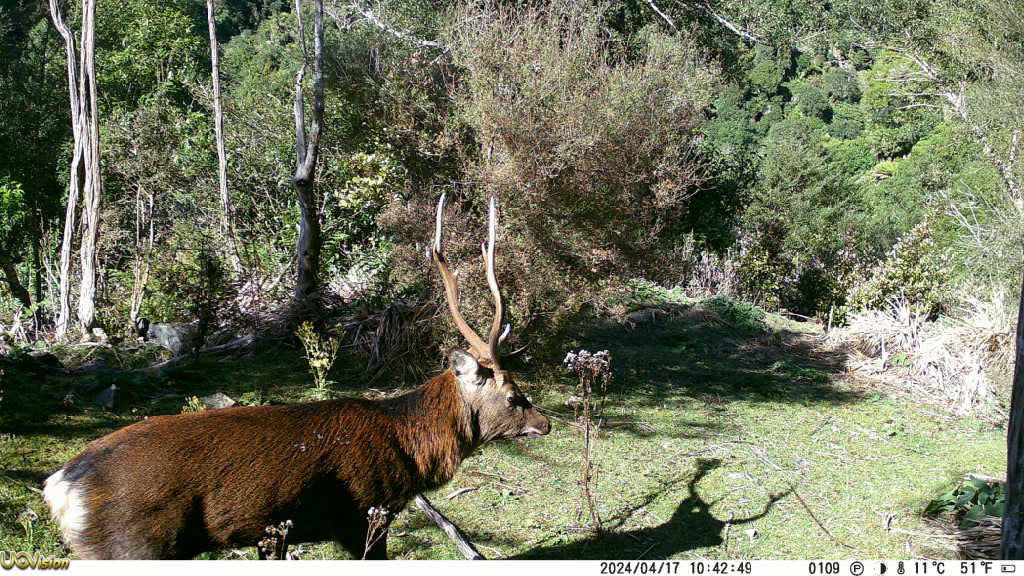
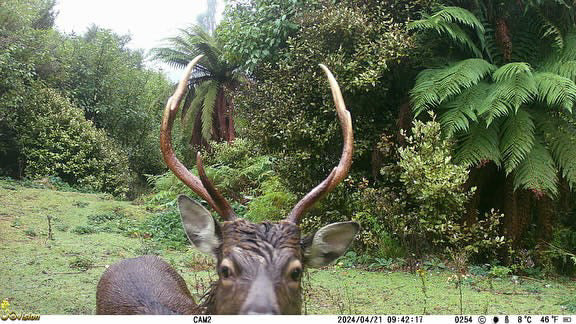
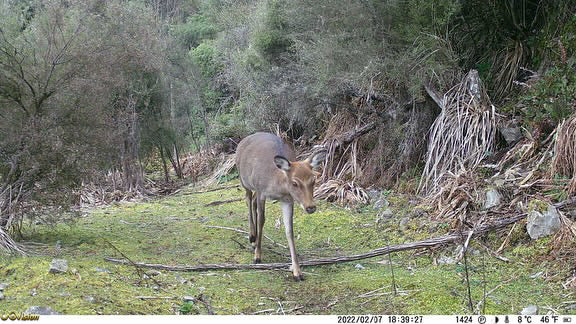
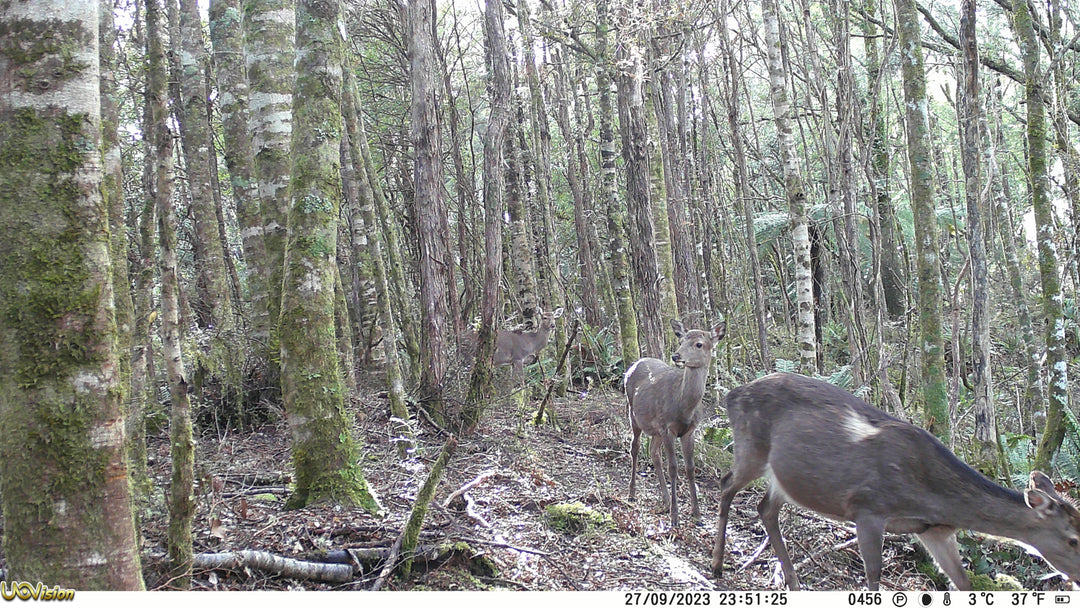
Strap this to a tree in the Kaimanawas on Saturday and by Sunday morning you're watching stag movement from your couch. The UOVision Select 30 4G LTE sends photos and clips direct to the LinckEazi app over Spark, Vodafone, or 2Degrees — real-time intel on deer, pigs, possums, or whoever's been through your back gate. No more burning a day's leave just to pull an SD card.
At a Glance
- 30MP photos + 4K video sent direct to your phone via app
- Works on Spark, Vodafone & 2Degrees — NZ-wide coverage
- 0.2-second trigger speed, 20m+ detection range
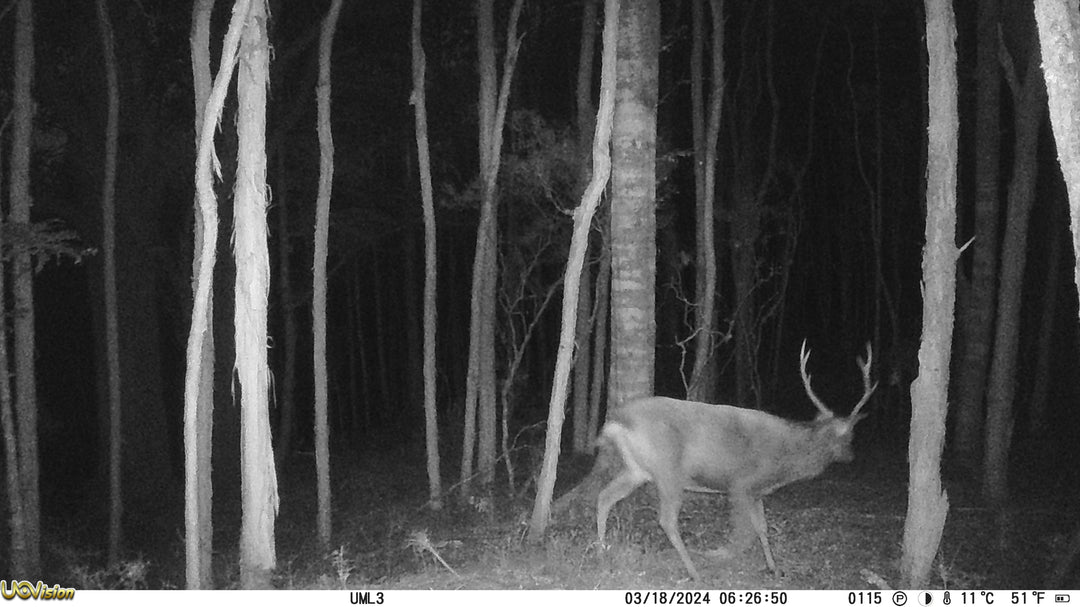
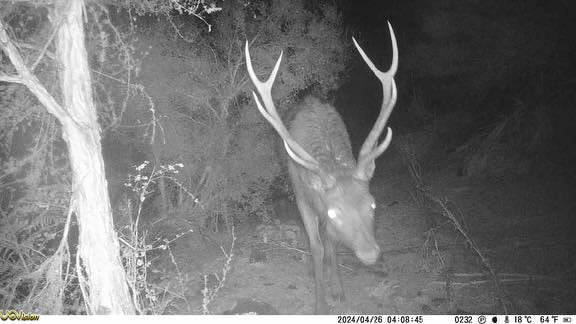
- 60 invisible Black Flash (940nm) no-glow LEDs
- IP66 weatherproof — handles anything NZ throws at it
- Free LinckEazi app — control settings and receive media remotely
Why This Works for NZ Conditions
Remote blocks, long drives, and limited time off — that's the reality for most Kiwi hunters and landowners. The 4G LTE means you can run cameras on a Hawke's Bay farm, a Taupo roar block, or a high-country tussock face and check them from anywhere without a wasted trip. If nothing's moving, you know before you go. If there's a shooter stag working a scrape, you've got the photos to prove it and the intel to plan your approach.
It's equally powerful for predator free work. Run cameras over your trap lines and bait stations without visiting every site — document possum, stoat, and rat activity over time, track what's hitting your traps, and build a solid record for your predator free programme. Less disturbance on the land, better data, and more time in the field where it counts.
FAQ
Which SIM card do I need?
Any standard NZ SIM — Spark, Vodafone, or 2Degrees all work. You'll need a data plan; a basic prepay data SIM does the job. SIM card is not supplied.
How much data does it use?
Depends on how many photos and clips it sends. A photo-only setup on a busy camera uses roughly 1–2GB per month. You can control which photos get sent via the app so you're not burning data on blanks.
Can I still use it without a SIM?
Yes — it works as a standard SD card camera without a SIM inserted. You just won't get remote photo delivery.
Ideal For
- Deer and game animal monitoring
- Pest control and predator free programmes
- Remote property and farm security
- Hunting and outdoor surveillance
Please note: Trail cameras cannot be shipped to Australia.
Key Features
- 30 Megapixel high-quality photos
- 0.2 second fast trigger speed
- Supported Networks: 4G LTE / 3G WCDMA / Quad-band GSM
- Network Providers: Vodafone, Spark, 2Degrees (SIM card not supplied)
- Photo send option: select which photos to send via network
- Multi-shot photo burst mode: 1–3 in cellular mode / 1–10 in non-cellular mode
- No GPS tracking chip included
- App compatible: FREE LinckEazi Web Portal & Mobile App to control all functions
- Sends photos and videos to a Cloud server
- PIR trigger detection range: 20+ metres
- Lens Field of View: 58° (16:9 display)
- Video recording: 4K / 2.7K / 1080p / 720p / WVGA (5–60 sec, with sound)
- Video send option: short clips via cellular in WVGA, 720p, or 1080p
- Built-in 2" true-colour TFT display screen
- Live screen preview and photo/video playback
- 60 high-output invisible Black Flash (940nm) LEDs for night-time recording
- Adjustable PIR sensitivity: High / Low
- SD card overwrite function
- Interval / Time-lapse mode: 3 min – 24 hours
- Start-Stop function: programmable 7-day period
- Date, Time, Temperature, Moon Phase stamps on images
- Supports SDHC / SDXC memory cards up to 256GB
- Password protection
- Camera rename function for easy management
- Power: 12 × AA Alkaline or rechargeable batteries
- Supports external 6V–12V DC (2A) power supply
- Size: 150 × 110 × 75mm
- Solid, durable case design